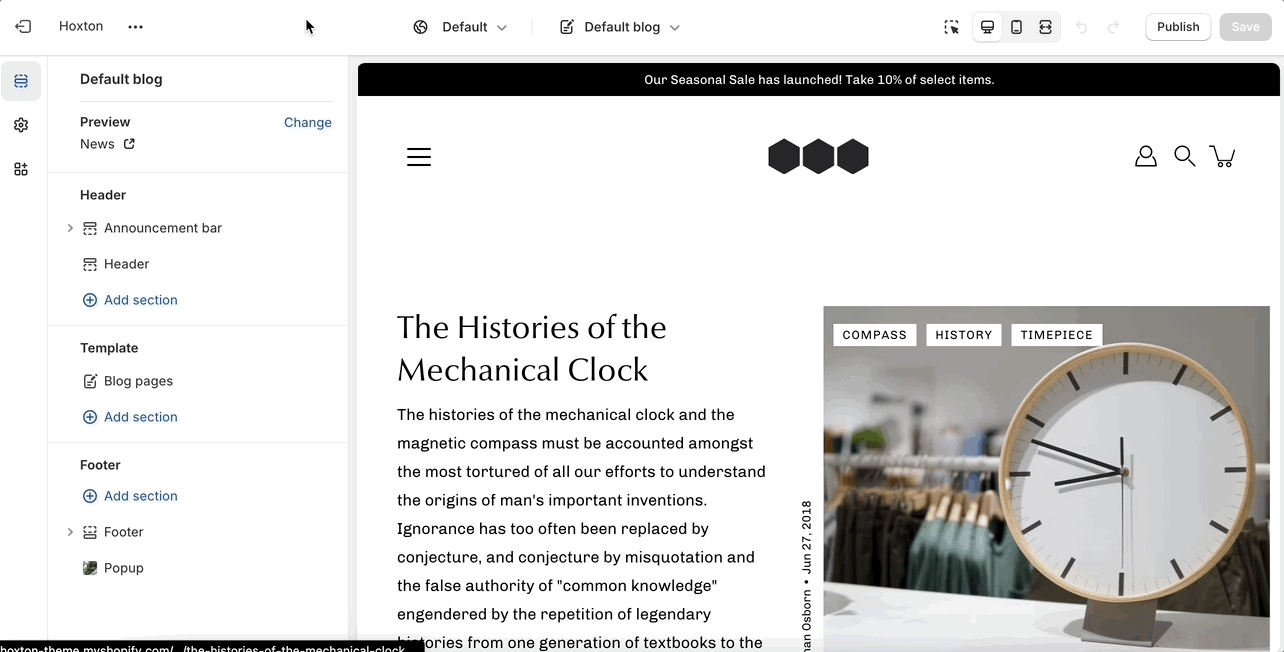
Blog pages are meant to be a simple assortment of articles but who's to say you shouldn't customize them?
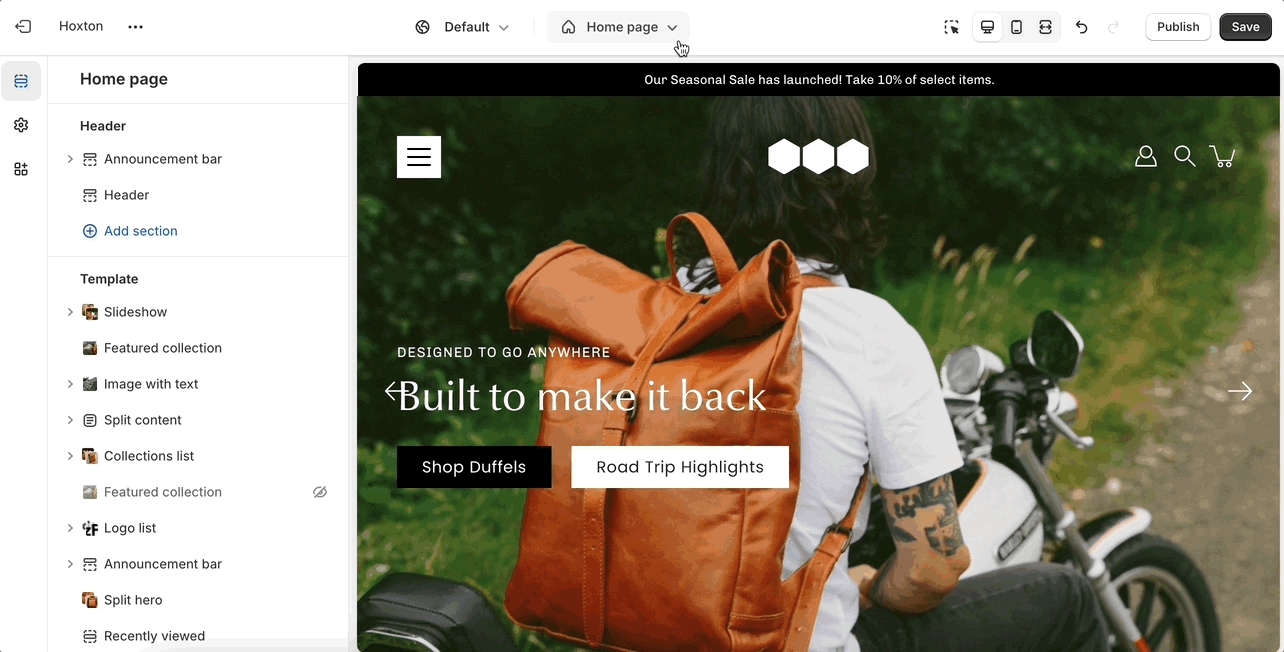
The blog pages section holds a handful of settings but they can be quite important. These settings can be accessed by first navigating to the blog page you're looking to edit.
Modular displays a rich grid of all your blog post articles. Click on blog pages to configure the layout of your blog index page.
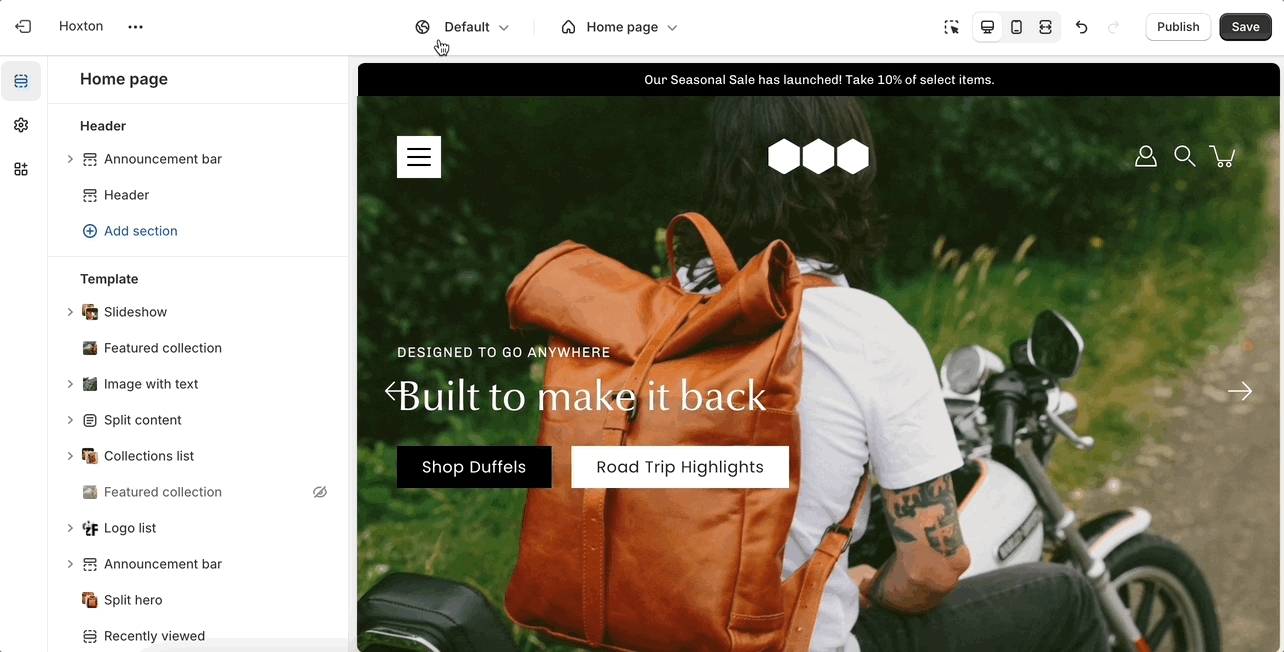
Start by opening the theme editor and clicking on the blogs tab in the top drop-down menu. From here, click on 'create template'.
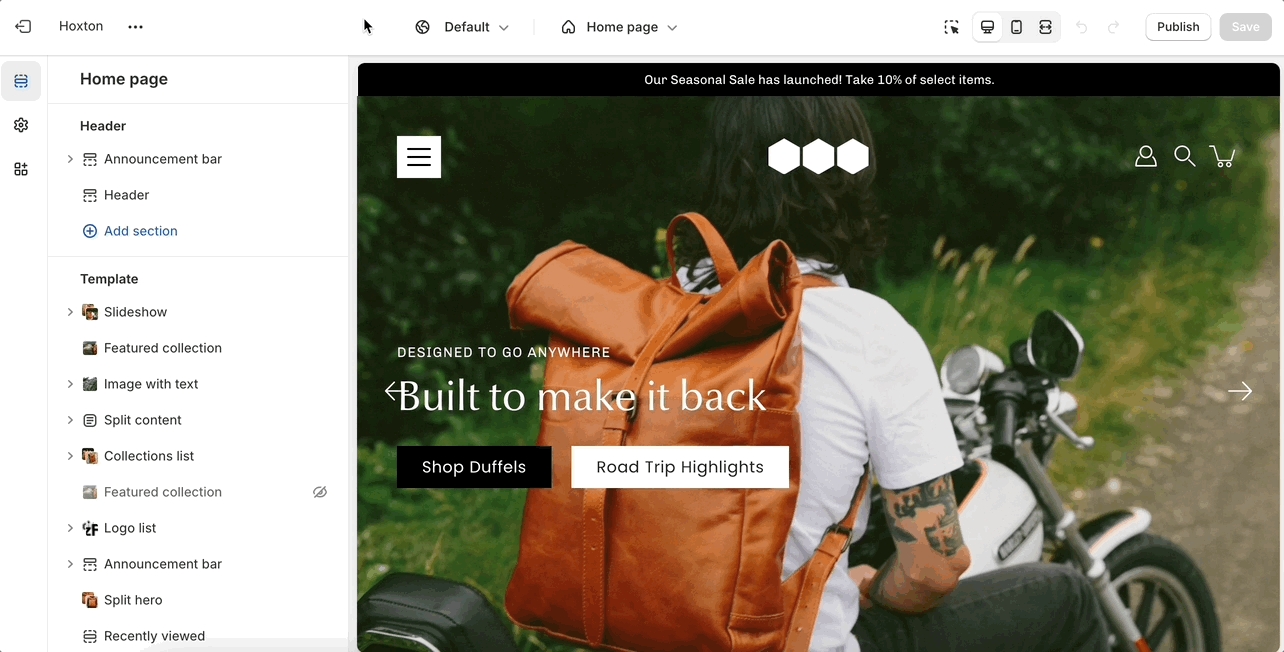
Find your new template by going into the same blogs tab in the top drop-down menu and select the template you just created. You are now able to add sections to it without affecting any other blog template.
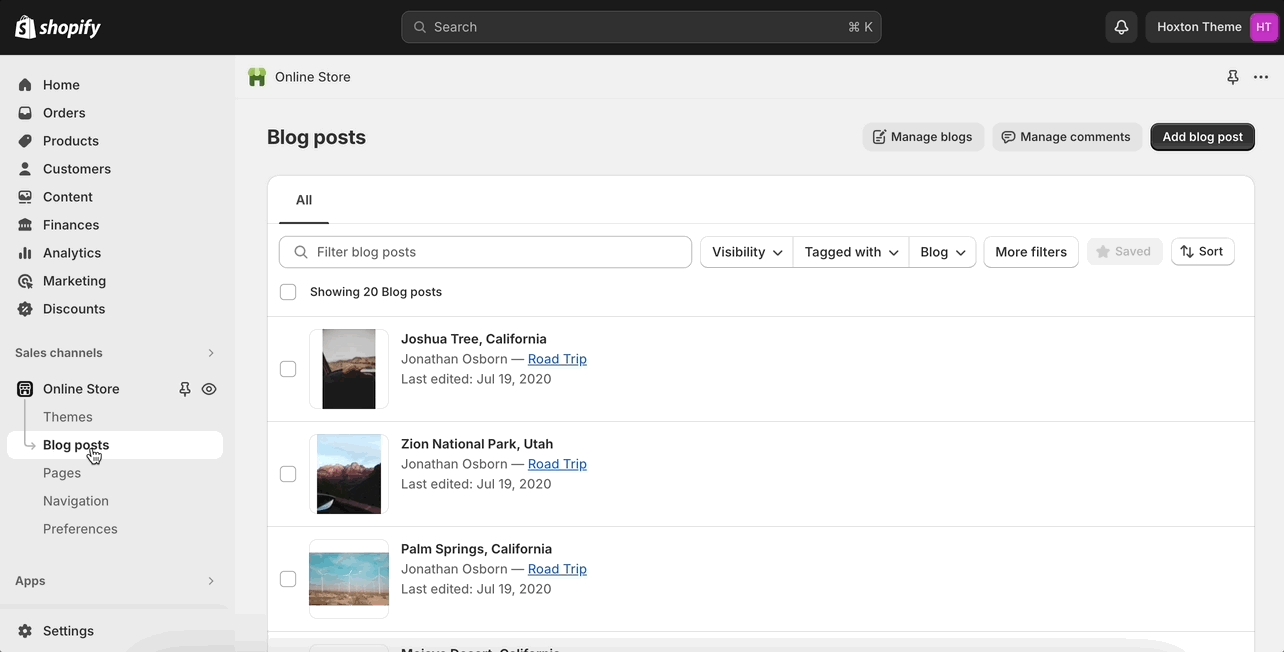
The last step is to assign the new template to one of your blogs so that it can take the new style you've created. This is done by going into your Online store > Blog posts and clicking on manage blogs. Once you've found the blog you're looking to change, simply change the template name from the 'theme template' tab.