How to add custom fonts
In order to use your own custom fonts, you will first need to upload the font files. To do this, you'll need to head on over to your online store > themes and click on actions > edit code.
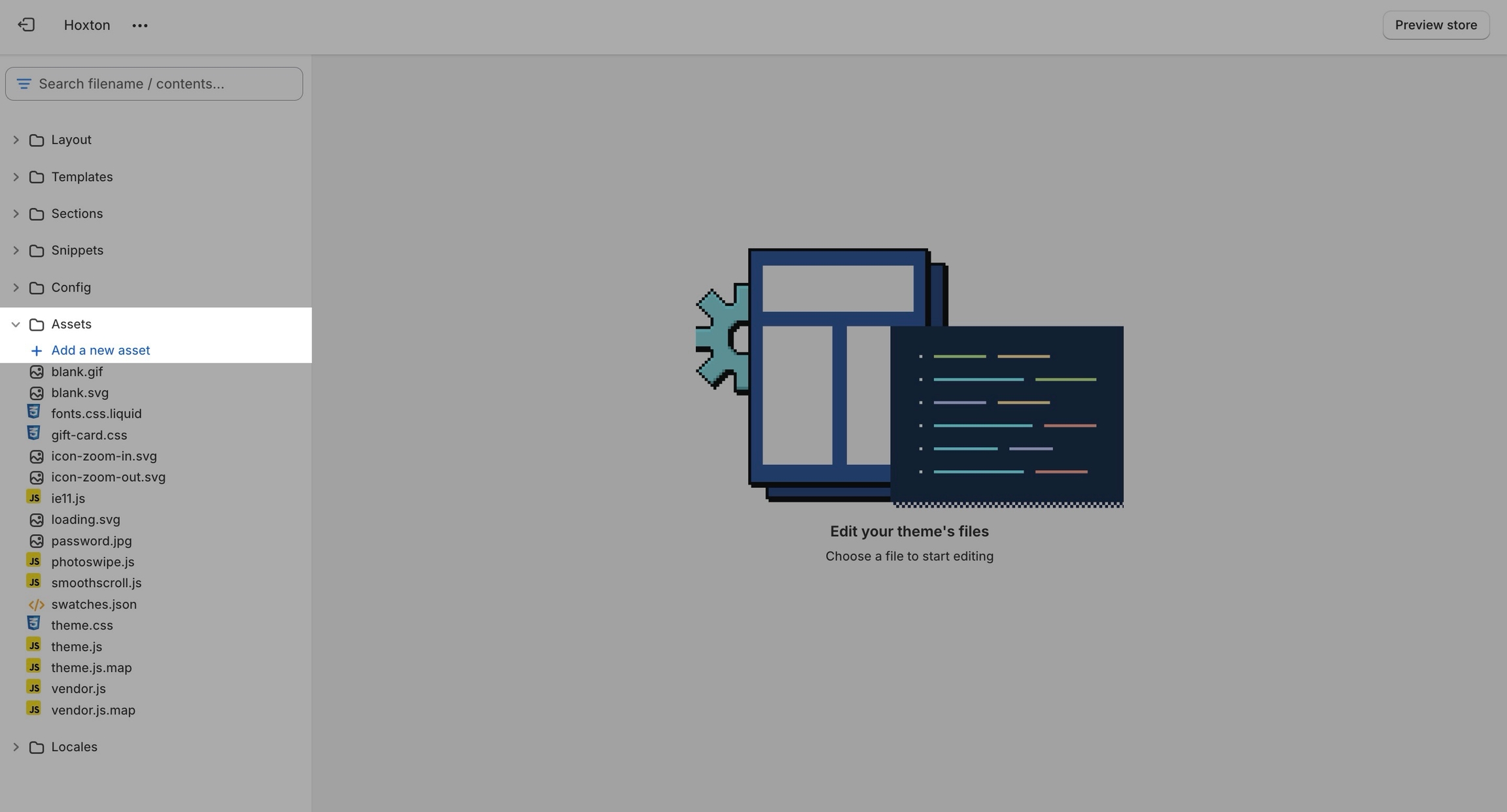
From here, open the assets folder and upload your font files into it:
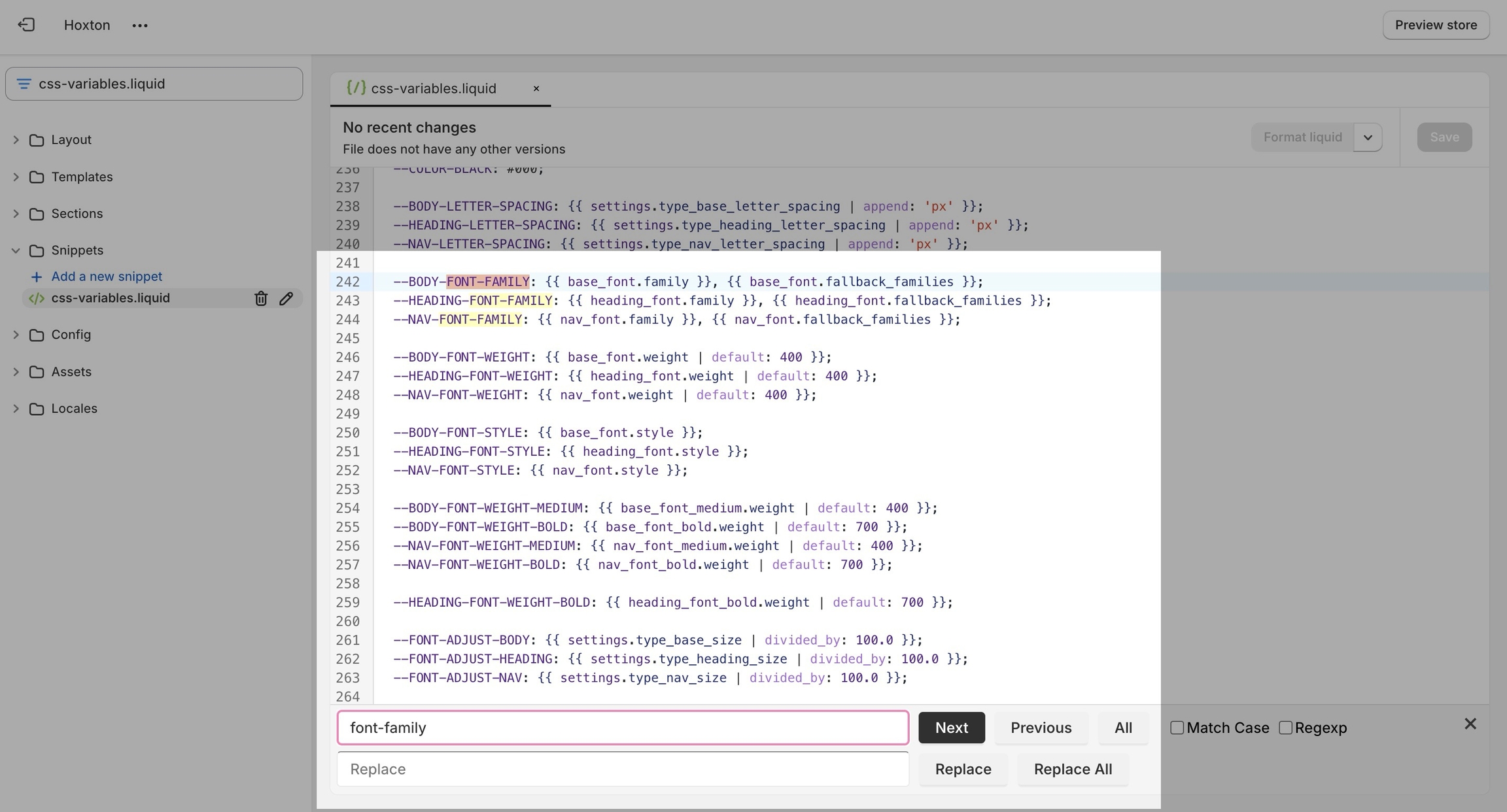
Now that we have the assets sorted out we can head on over to the 'css-variables.liquid' file. It's located inside the snippets folder.
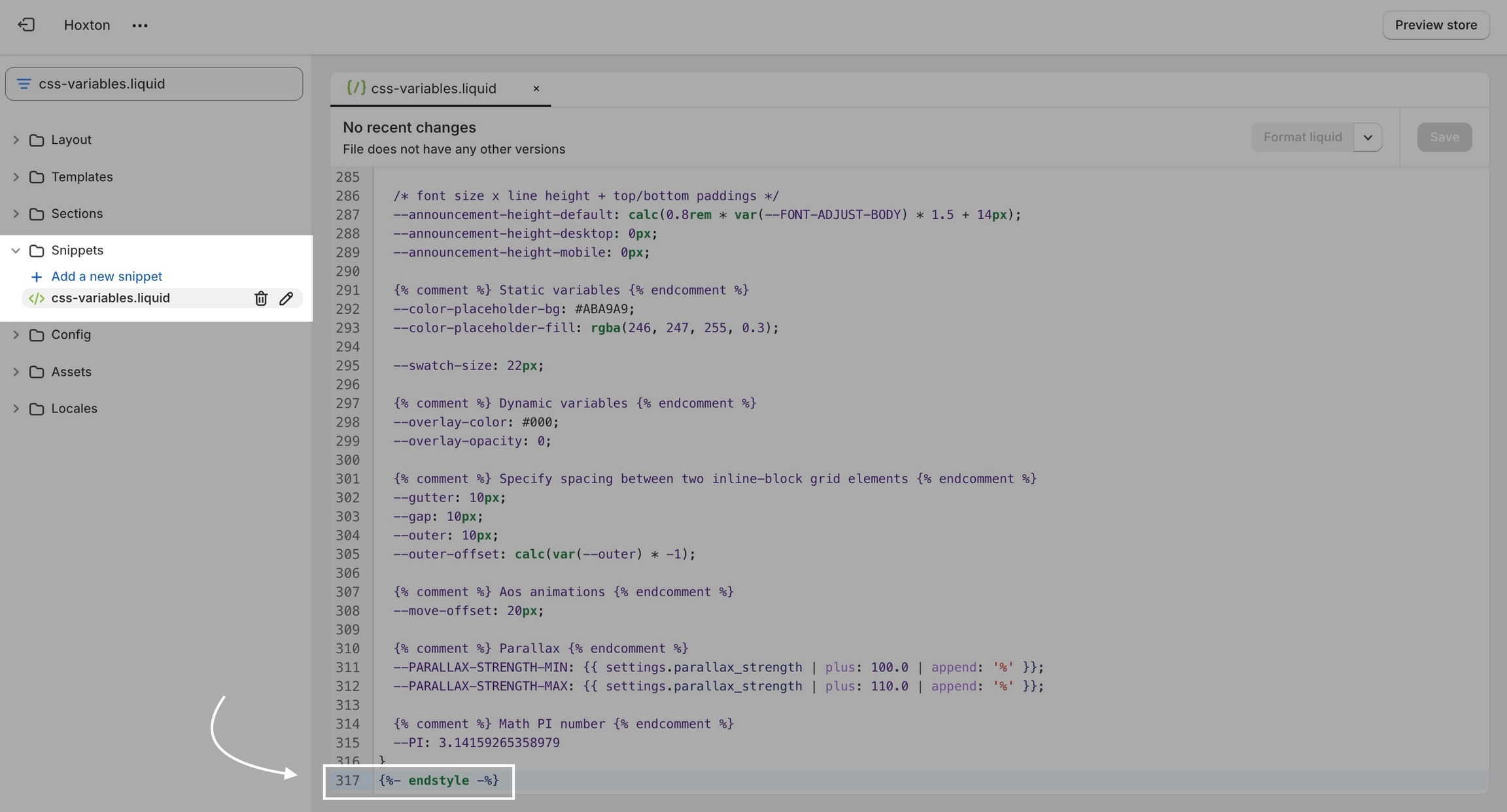
Here you need to scroll all the way to the bottom and add a bit of code before the closing style tag (' {%- endstyle -%} '):
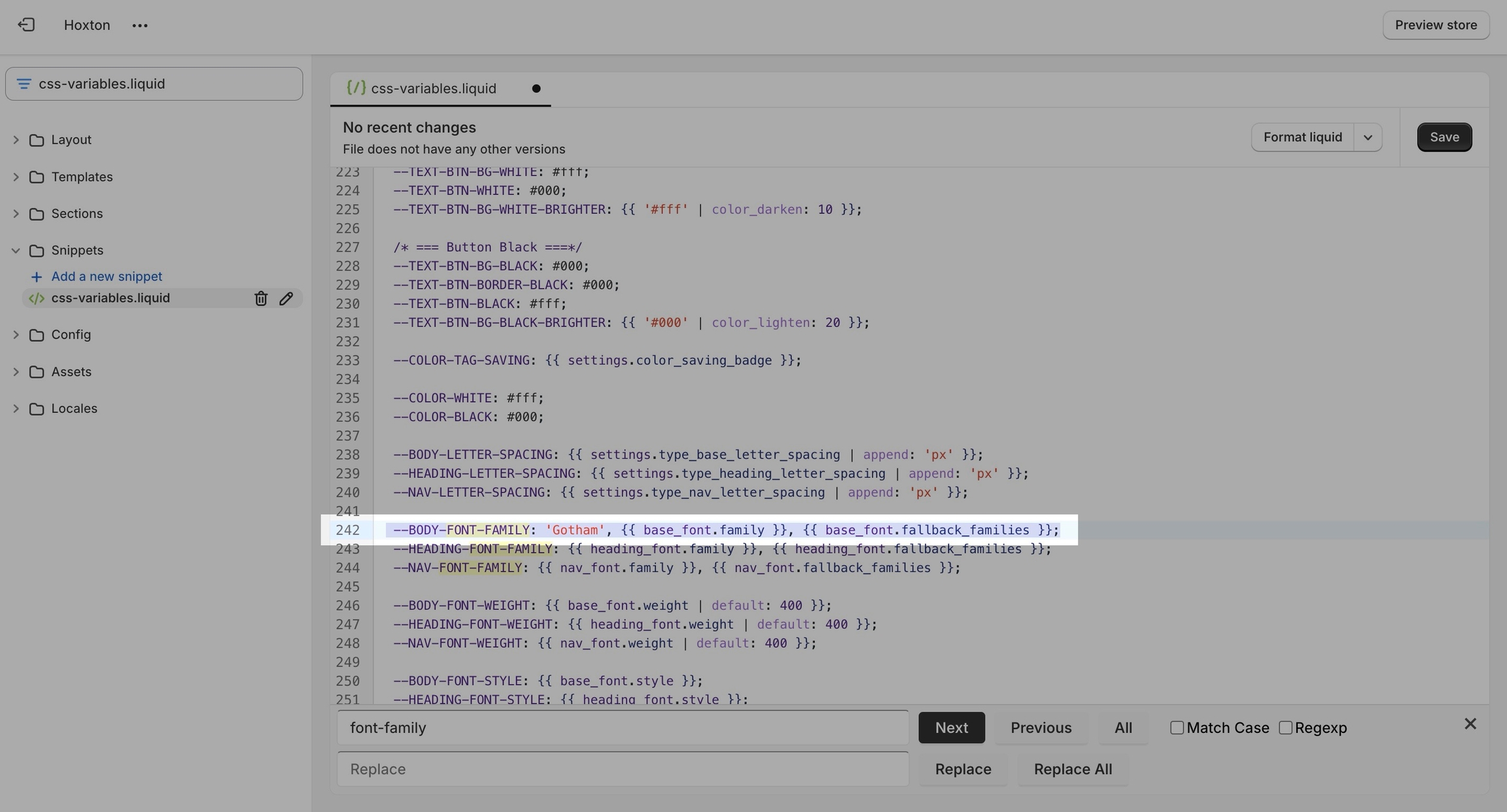
This is the place where you need to add this code snippet: